
 Facebook
 Twitter
 LinkedIn

Save any Gmail message, label, or group of messages
to Google Drive with 1 click!
Fully Integrated with Gmail
Save Emails to Google Drive is fully integrated with Gmail. There is nothing to download to your computer and upload again: the Chrome extension adds Save to Google Drive buttons and your Google Drive folders right inside Gmail, so you organize emails where you read them. It works with personal Gmail accounts and with Google Workspace.
Drag and Drop Emails into Google Drive Folders
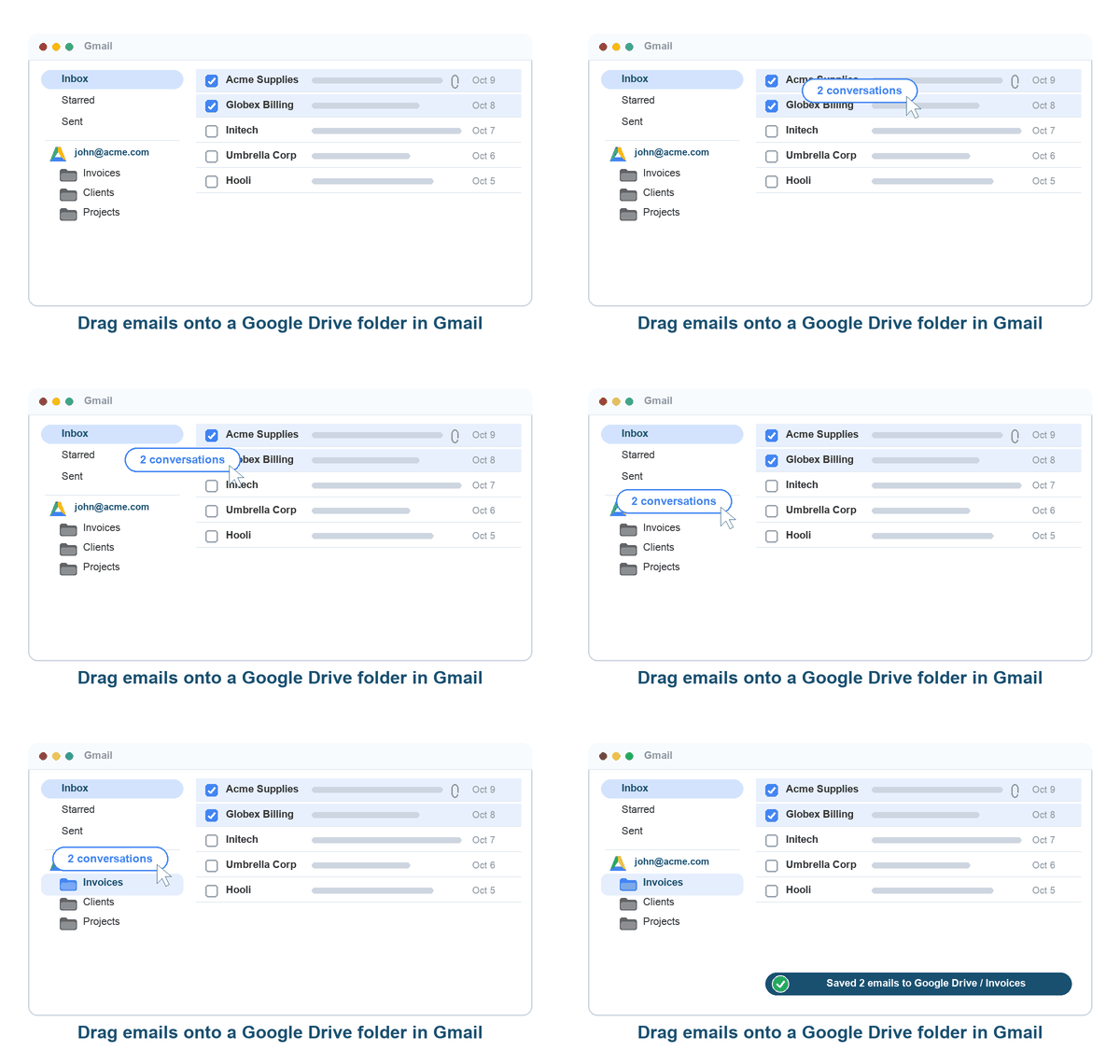
Your Google Drive folders appear in the Gmail sidebar, one menu per connected Google Drive account. Select one or more emails in the message list and drag them onto a folder: the save starts immediately with your saved export format and attachment settings. Drop invoices into an accounting folder or a client conversation into a project folder without leaving Gmail.
One-Click Save and Share with a Link
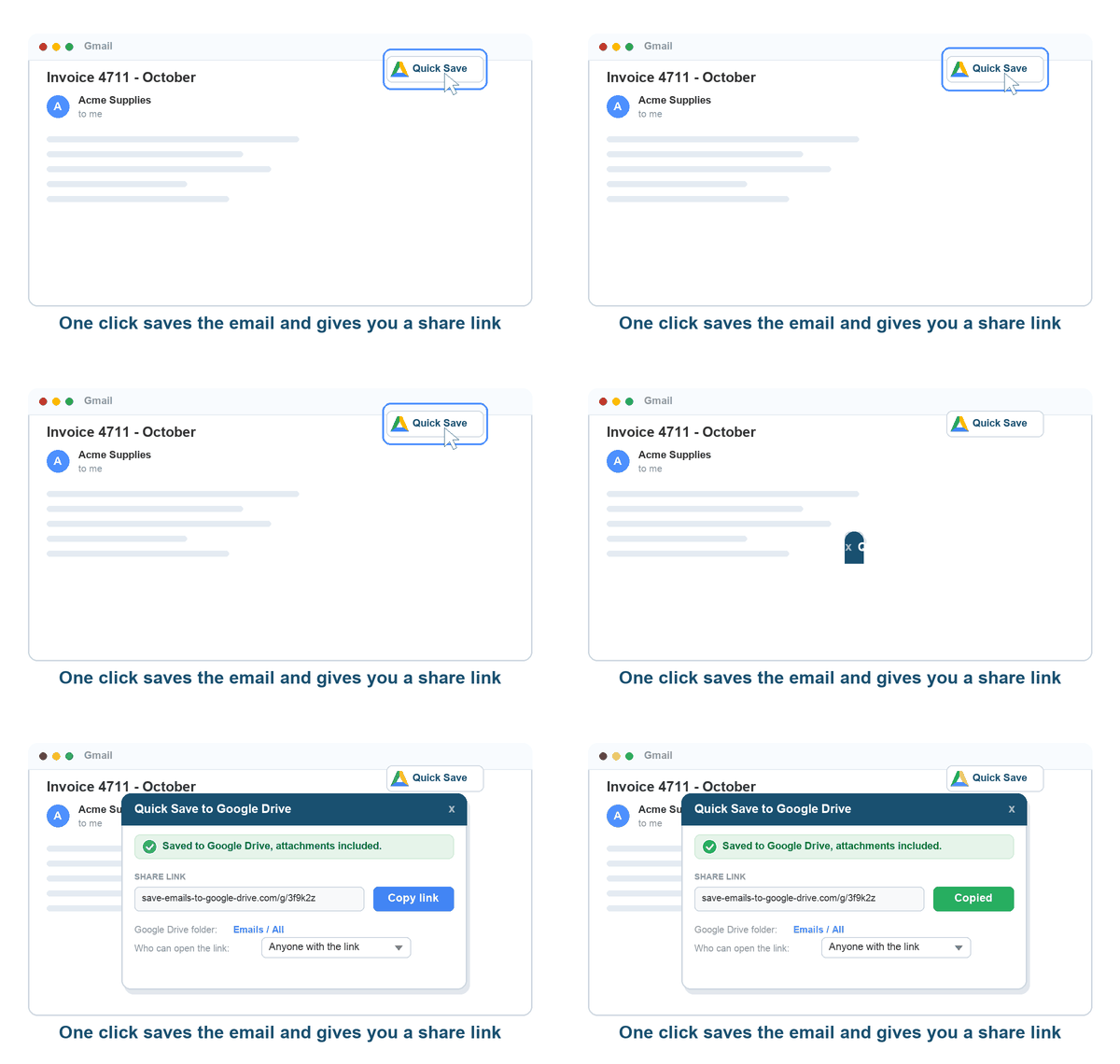
Open a conversation or hover over an email and click Quick Save to Google Drive. The email and its attachments are saved to your quick-save folder and a share link is created right away. Copy the link to send the saved email to colleagues or clients, and choose who can open it: anyone with the link, only people in your organization, or nobody. The destination folder and the save options can be changed directly from the quick-save dialog.
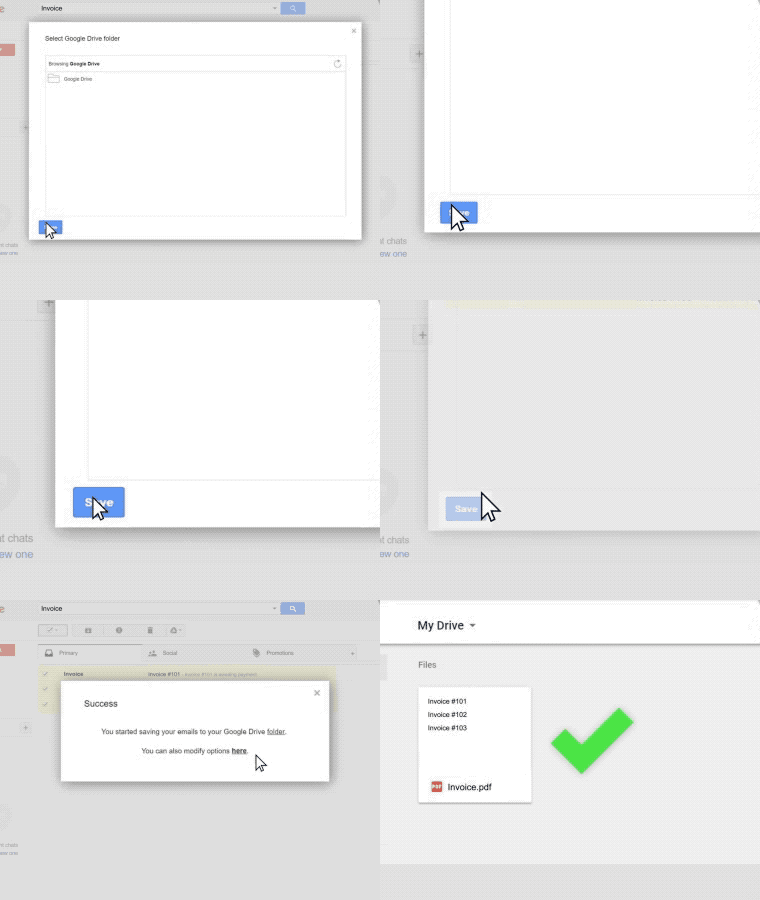
Save Any Email to the Folder You Choose
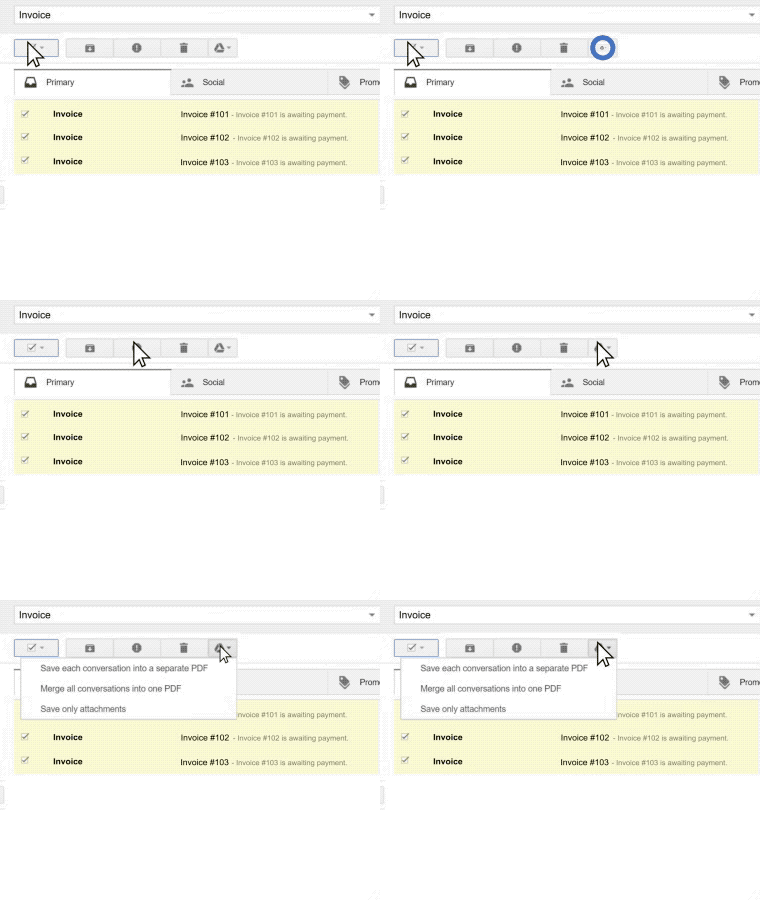
Click Save to Google Drive on an open email or on the emails you selected, pick the Google Drive folder, and choose how to save: PDF, HTML, TXT or EML, one file per email or everything merged into one file, attachments embedded or saved as separate files. Recently used folders are remembered, so the next save takes a single click.
Save Any Gmail Label to Google Drive
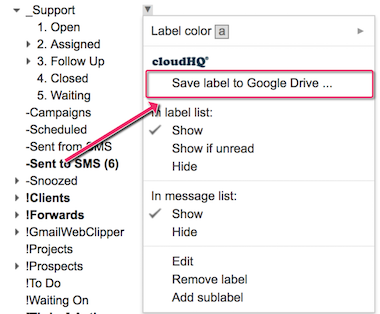
Right-click a Gmail label and choose Save label to Google Drive. Every email in the label, including its sub-labels, is saved with its attachments to the Google Drive folder you pick. Save the label once, or enable continuous saving so that new emails in the label are saved automatically as they arrive.
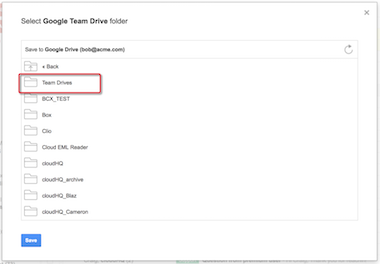
Full Support for Google Shared Drives
Save emails to a Google Shared Drive so that your whole team can search and open the saved emails from anywhere, on any device. Shared Drives are listed next to My Drive in the folder picker and in the Gmail sidebar.
Multiple Export Options
Choose how your emails are saved:
- convert email messages to PDF
- convert email messages to HTML
- convert email messages to TXT
- save email messages in EML format (RFC822 format)
- merge a conversation, a selection or a whole label into one PDF
- save only the attachments
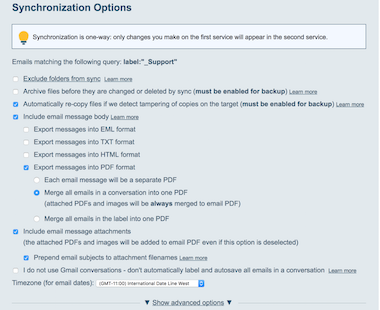
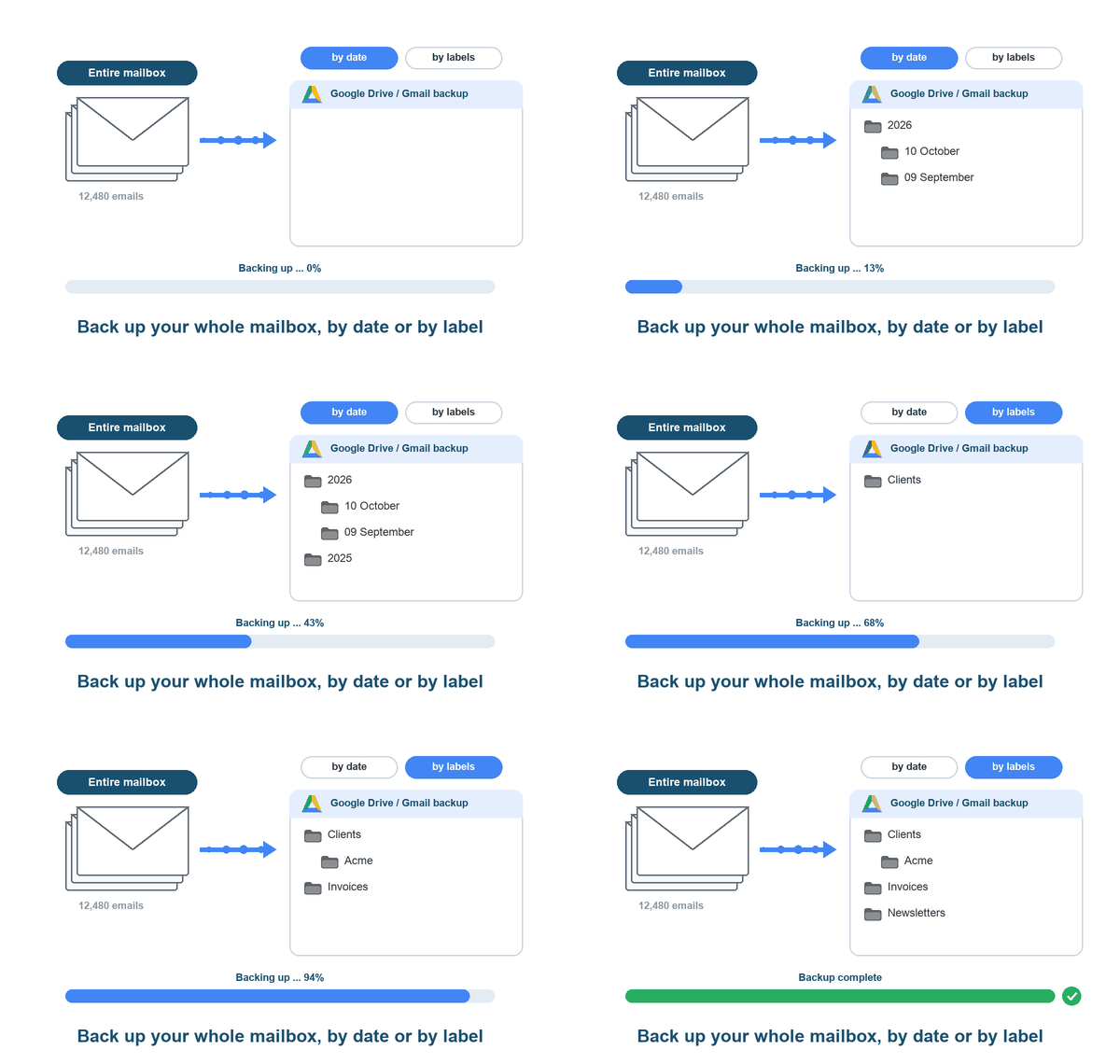
Back Up Your Entire Gmail Mailbox to Google Drive
Most data loss is caused by human error. Even though your emails live in the cloud, they can still be deleted by accident or on purpose, and then they are gone for good. Keep a separate copy: back up your entire Gmail account to Google Drive, organized by date or by Gmail labels, and let the backup run continuously so that new emails are added as they arrive. The backup jobs are managed from your dashboard.
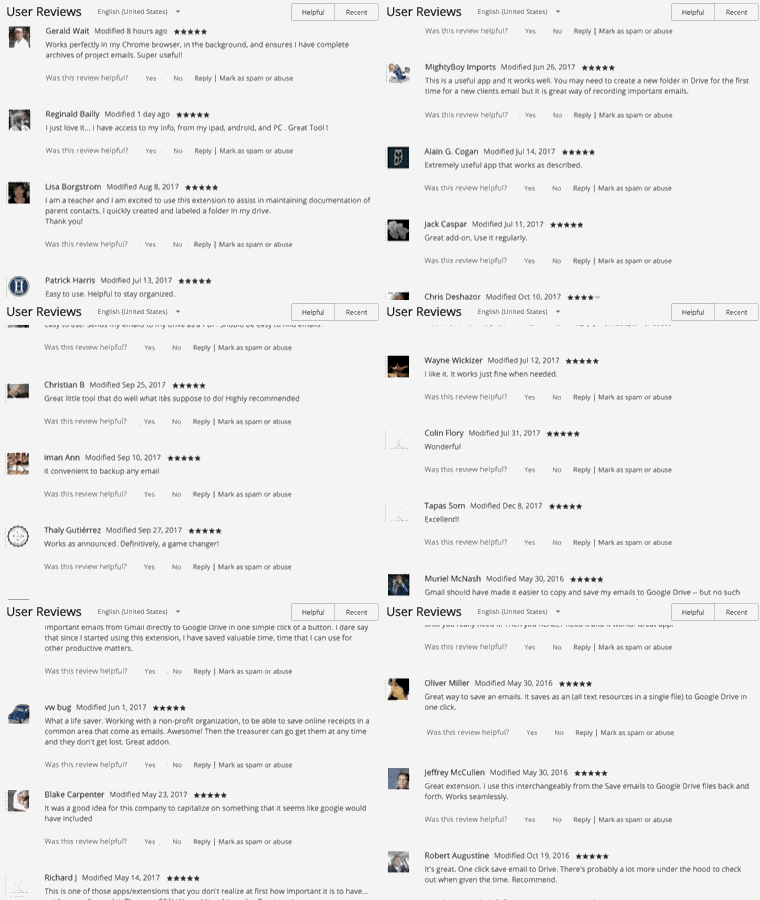
Near Universal 5-Star Reviews
Save Emails to Google Drive has almost universal 5-star ratings from the users who installed it from the Chrome Web Store.
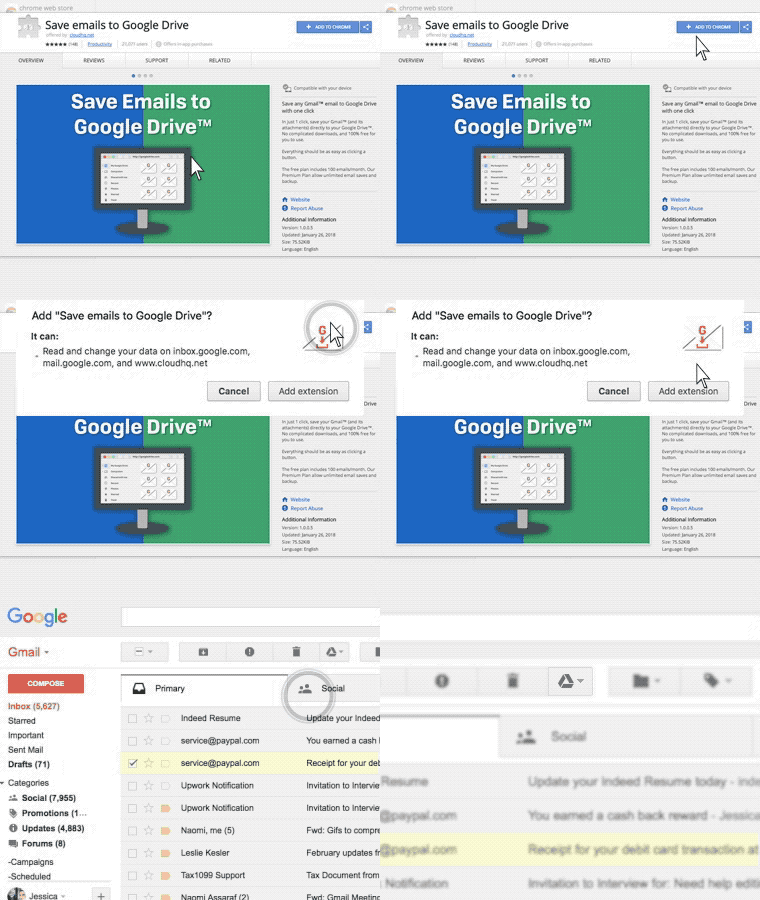
Installs in Seconds
Install Save Emails to Google Drive in seconds from the Chrome Web Store. Once installed, it is seamlessly embedded into your Gmail or Google Workspace account: no desktop software and nothing to configure.
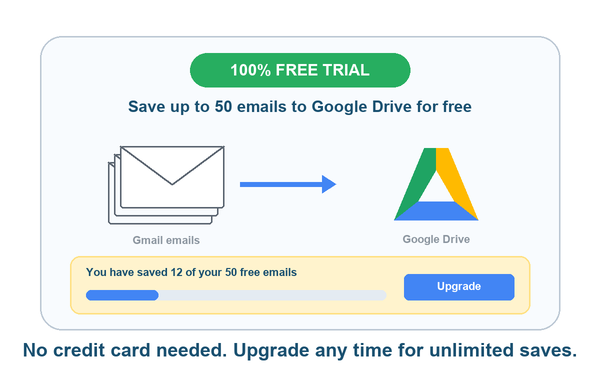
100% Free Trial for Up to 50 Emails
Anyone with a Gmail or Google Workspace account can use Save Emails to Google Drive free of charge for up to 50 emails. Try drag and drop, quick save with a share link, label saving and every export format. Your free usage is shown in Gmail and on the dashboard, so you always know where you stand. For unlimited saves, upgrade to Premium for just a few dollars a month.
Premium Plan Available
Our premium plan costs just a few dollars a month and includes email and phone support. With Premium you get:
- unlimited saves and archives to Google Drive
- backup of your entire Gmail account, organized by date or by labels
- Google Shared Drives support
- every export, attachment and PDF layout option (paper size, page numbers, message order, compact format)
How Are People Like Me Using Save Emails to Google Drive?
Save Important Conversations
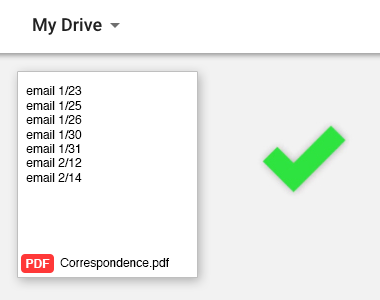
HR might want copies of all email conversations you had with a specific employee. Or your attorney might want email conversations you had with someone you are fighting in court. All these important messages can be saved with one click.
Document Emails with Clients or Customers
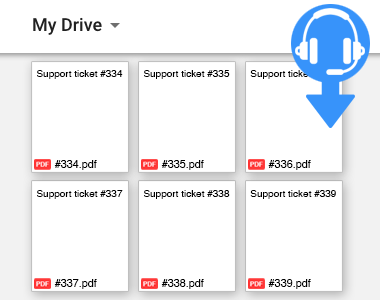
Running a support or sales team? Have your reps save important emails with clients as documentation of your support or a record of your negotiations on a deal.
Save Receipts for Your Accountant
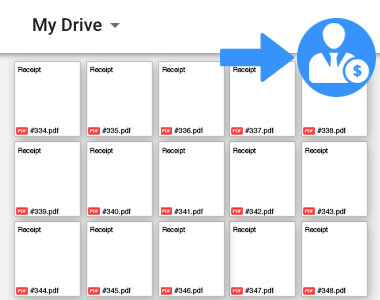
From coffee meetings to your latest Uber ride: save all your receipts to Google Drive with one click using Save Emails to Google Drive. Your accountant will thank you.